We want to help teams and organizations do their best work with ChatGPT. Today we’re rolling out shared projects for ChatGPT business(opens in a new window) plans; we’ve also recently added new connectors to team tools and improved response speed and accuracy, along with new compliance and admin features:
- Shared projects help teams move faster: Teams can now work with ChatGPT toward a goal—whether supporting a customer account, creating content, or running monthly reports—while staying on the same page and keeping work consistent. Members can add files and instructions to a shared project together, and ChatGPT uses that context to tailor its responses so every new chat starts with the latest information.
- More helpful responses from your team’s tools: With new connectors, ChatGPT can pull information from Gmail, Google Calendar, Microsoft Outlook, Microsoft Teams, SharePoint, GitHub, Dropbox, and Box for more relevant answers based on your work. Responses are now faster and more accurate, and ChatGPT can decide when to use the right connector for each prompt.
- Compliance and admin features keep work data secure: New ISO 27001, 27017, 27018, and 27701 certifications, an expanded SOC 2 report, role-based access controls, and enhanced SSO help organizations confidently enable every employee with AI.
Last year we launched projects to keep related chats, files, and instructions in one place so you can pick up work where you left off without re-explaining context to ChatGPT. Now you can share projects with teammates, adding files and instructions together to guide ChatGPT’s responses toward a shared goal. Members can chat with the project’s context to stay on the same page as new information gets added and create work that stays consistent in tone and style.
In early testing, teams used them to coordinate:
- Client work: Keep all notes, proposals, and contracts in one place so account teams can draft follow-ups faster and stay aligned. For example, as an account manager, you can upload call notes and your solutions engineer can ask ChatGPT to summarize the latest updates to prepare for a customer demo.
- Content creation: Use project-wide instructions to maintain a consistent voice and style. You can, for instance, tell ChatGPT to follow your brand guidelines so project members can create on-brand assets, from blogs to social copy, for an upcoming product launch.
- Reporting: Split tasks while staying coordinated with shared instructions and uploaded datasets. Teams preparing monthly reporting can prepare updates for different audiences, such as an executive summary or a more detailed breakdown for finance.
Project creators can invite teammates by email or link with two levels of access, chat or edit. Chat access lets members see and interact with the project’s chats, files, and instructions; edit access adds the ability to update instructions, upload or remove files, and invite others.
Shared projects have their own private memory, which lets ChatGPT remember details members share so you can start new conversations without explaining everything again. This is especially useful for long-running work with multiple follow-ups, and keeps sensitive data or client details safely within the project.
What’s next: In this first version, project members can work asynchronously, with the ability to build on each other’s updates, start their own one-on-one conversations with ChatGPT, or branch another member’s conversation to explore a new idea. This release is an early step toward team collaboration in ChatGPT, and we’ll use your feedback to shape what comes next.
Availability: Shared projects are available to Business, Enterprise, and Edu plans today, with Free, Go, Plus, and Pro coming soon. They are defaulted off for Enterprise and Edu customers, and admins can control access. Projects can only be shared with workspace members for ChatGPT business plans.
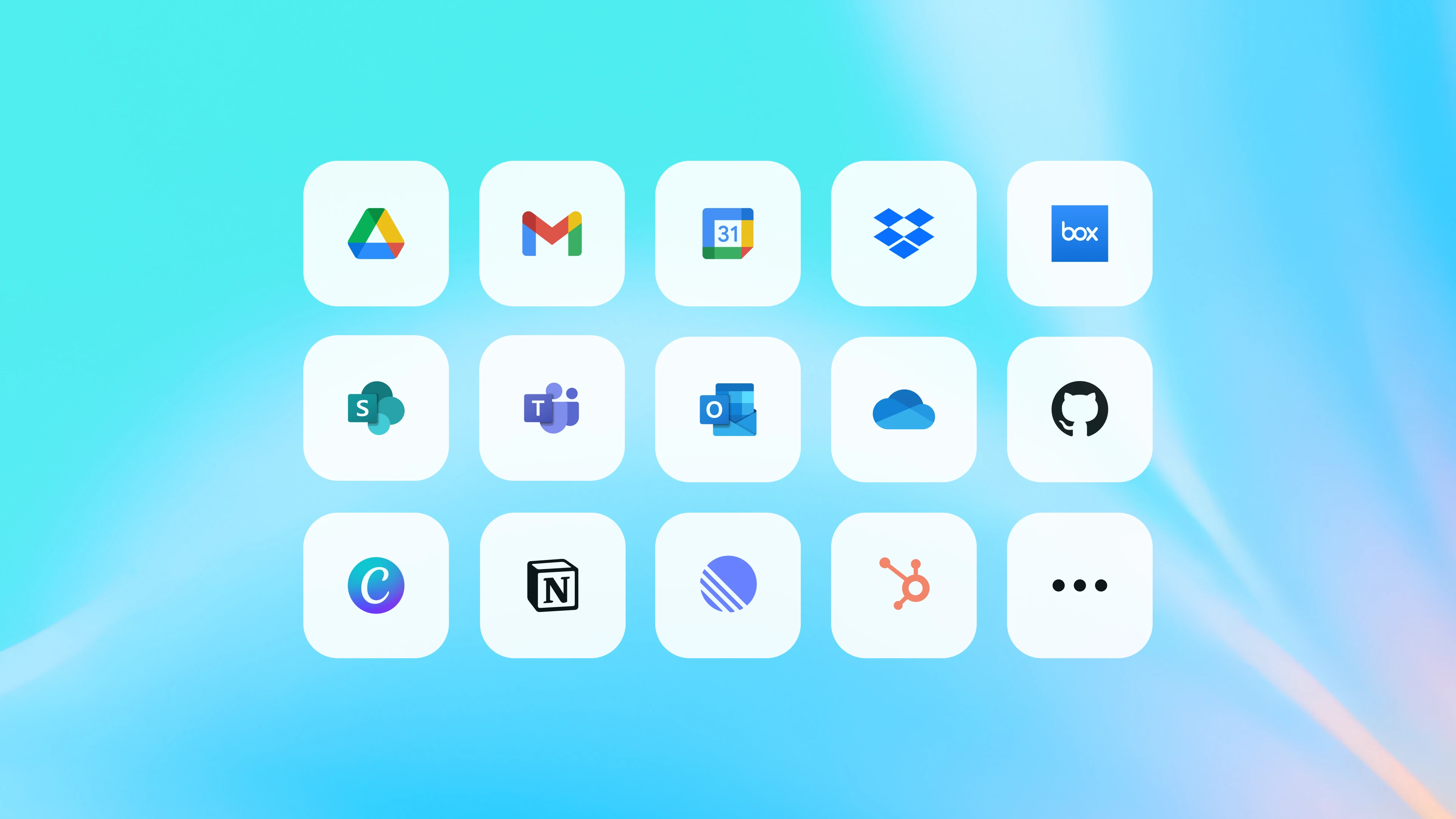
Teams generate large amounts of documents, chats, and emails, so finding the right information when you need it can be hard. With connectors, ChatGPT pulls in relevant context from tools your team uses every day, like Google Drive, SharePoint, GitHub, Microsoft Teams, or Gmail, so you can onboard to a new codebase, write a marketing brief using the latest template, or summarize important emails. It’s like working with a teammate who gets your work and can give expert answers on almost any topic.
Recent updates make connectors even more useful: responses are faster and more accurate and ChatGPT now knows when to use connectors automatically. New email and calendar connectors let you pull context from upcoming meetings and recent conversations so you can draft agendas, follow up on action items, or quickly find details without switching apps.
How teams use connectors today:
- Communication and writing: Draft updates, synthesize documents, or follow guidelines and templates (e.g., “Using our web template in Google Drive, create a brief for [x]”).
- Meetings and collaboration: Prepare for meetings, create agendas, and identify action items (e.g., “Review my latest emails with [customer/company] to prep for our next call”).
- Organization and productivity: Quickly find important documents or answers in company data (e.g., “How do I submit an expense report?”).
- Analysis and reporting: Analyze data for market research or performance tracking (e.g., “Tell me which campaigns drove our highest-value deals in HubSpot”).
- Coding and technical tasks: Understand codebases, review pull requests, or write documentation (e.g., “How is [feature] implemented in our codebase?”).
Added more productivity tools: New connectors to Gmail, Google Calendar, Google Contacts, Microsoft Outlook and Calendar, and Microsoft Teams give ChatGPT a more complete view of projects, communications, and schedules, so teams spend less time chasing information across tools.
ChatGPT knows when to use connectors: We’ve improved ChatGPT’s ability to automatically decide when to use connectors, search the web, or rely on its own training—making your company context a more seamless part of the conversation. It can also pick the most relevant connector based on the question, so you no longer need to turn individual connectors on in every new chat.
Faster, more accurate responses: ChatGPT can now sync data from GitHub, SharePoint, Dropbox, and Box ahead of time, so it responds faster and more accurately. Learn more about synced connectors(opens in a new window).
What’s next: In the coming weeks, we’ll roll out new connectors for popular team tools across CRM, communication, knowledge stores, and ticketing, bringing ChatGPT closer to everything your business runs on. Soon, we’ll also make connectors available in projects and GPTs.
Availability: Connectors are now generally available and can be enabled in Settings(opens in a new window). Admins control user access for ChatGPT business plans, and they’re off by default for Enterprise and Edu. As always, connectors respect existing content permissions, so ChatGPT only sees what each person is allowed to access, and all data remains encrypted in transit and at rest. We never train on content shared with ChatGPT for our business plans by default(opens in a new window). See our Help Center(opens in a new window) for details on availability by plan.
New compliance programs and admin controls keep company data secure
As we make ChatGPT more valuable for the workplace, we’re equally focused on helping organizations deploy it across their company responsibly and with confidence. To support this, we’ve added new compliance and admin features that give companies more control over who can access what, where their data lives, and how it’s protected.
Compliance certifications: OpenAI’s Information Security Management System is now certified by Schellman to ISO/IEC 27001, 27017, 27018, and 27701 standards. We’ve also expanded our SOC 2 compliance to cover four Trust Services Criteria, now including Security, Confidentiality, Availability and Privacy. Customers can view our ISO certificate(opens in a new window) and SOC 2 report(opens in a new window) on our Trust Portal.
Expanded SSO support: We rolled out OIDC support(opens in a new window) for ChatGPT Business, Enterprise, Edu, and API customers, in addition to SAML, giving customers more flexibility to integrate with their existing identity providers.
IP allowlisting: Admins can now enable IP allowlisting(opens in a new window) as an optional security feature for ChatGPT Enterprise and Edu workspaces. When turned on, only requests from the IP addresses you specify will be allowed. Any request from an unapproved IP is automatically blocked, even if the user has valid credentials.
These updates build on our existing, robust enterprise-grade security, data privacy, and compliance programs. Learn more.
OpenAI now serves over 5 million ChatGPT business users as companies move from experimentation to daily, mission-critical use. To support this shift, we’ll continue making ChatGPT a secure, future-proof platform that gets better as AI advances to help teams work smarter every day.