
Now ChatGPT can start the conversation
We're building ChatGPT to help you reach your goals. Since ChatGPT launched, that's always meant coming to ask a question. There's magic in being able to simply ask and get answers to help you learn, create or solve problems. However that's limited by what you know to ask for and always puts the burden on you for the next step.
Today we're releasing a preview of ChatGPT Pulse to Pro users on mobile. Pulse is a new experience where ChatGPT proactively does research to deliver personalized updates based on your chats, feedback, and connected apps like your calendar. You can curate what ChatGPT researches by letting it know what’s useful and what isn’t. The research appears in Pulse as topical visual cards you can scan quickly or open for more detail, so each day starts with a new, focused set of updates.
This is the first step toward a more useful ChatGPT that proactively brings you what you need, helping you make more progress so you can get back to your life. We’ll learn and improve from early use before rolling it out to Plus, with the goal of making it available to everyone.
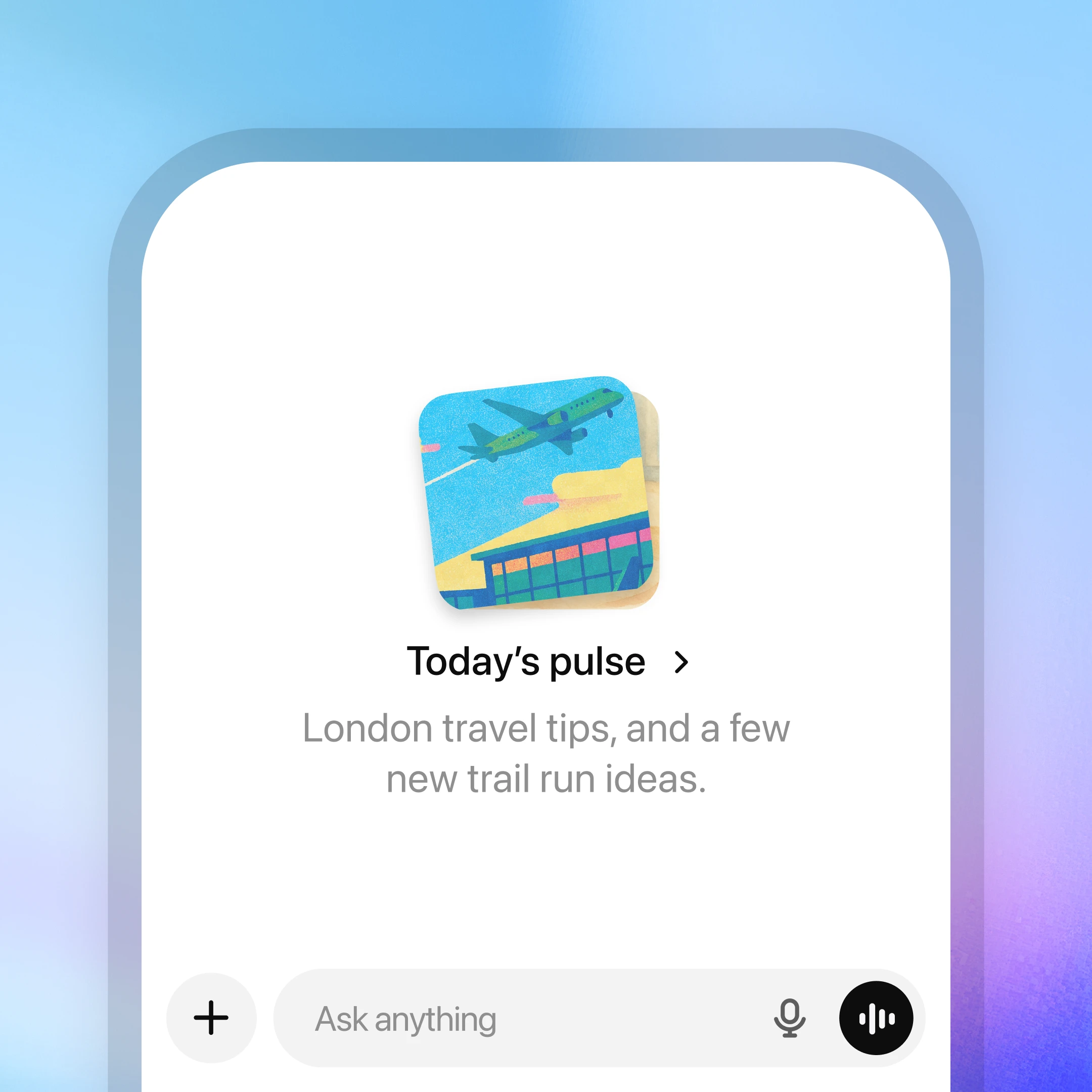
ChatGPT can now do asynchronous research on your behalf. Each night, it synthesizes information from your memory, chat history, and direct feedback to learn what’s most relevant to you, then delivers personalized, focused updates the next day. These could look like follow-ups on topics you discuss often, ideas for quick, healthy dinner to make at home that evening, or next steps toward a longer-term goal such as training for a triathlon.
You can also connect Gmail and Google Calendar to provide additional context for more relevant suggestions. When Calendar is connected, ChatGPT might draft a sample meeting agenda, remind you to buy a birthday gift, or surface restaurant recommendations for an upcoming trip. These integrations are off by default and can be turned on or off anytime in settings.
Topics shown in Pulse also pass through safety checks to avoid showing harmful content that violates our policies.
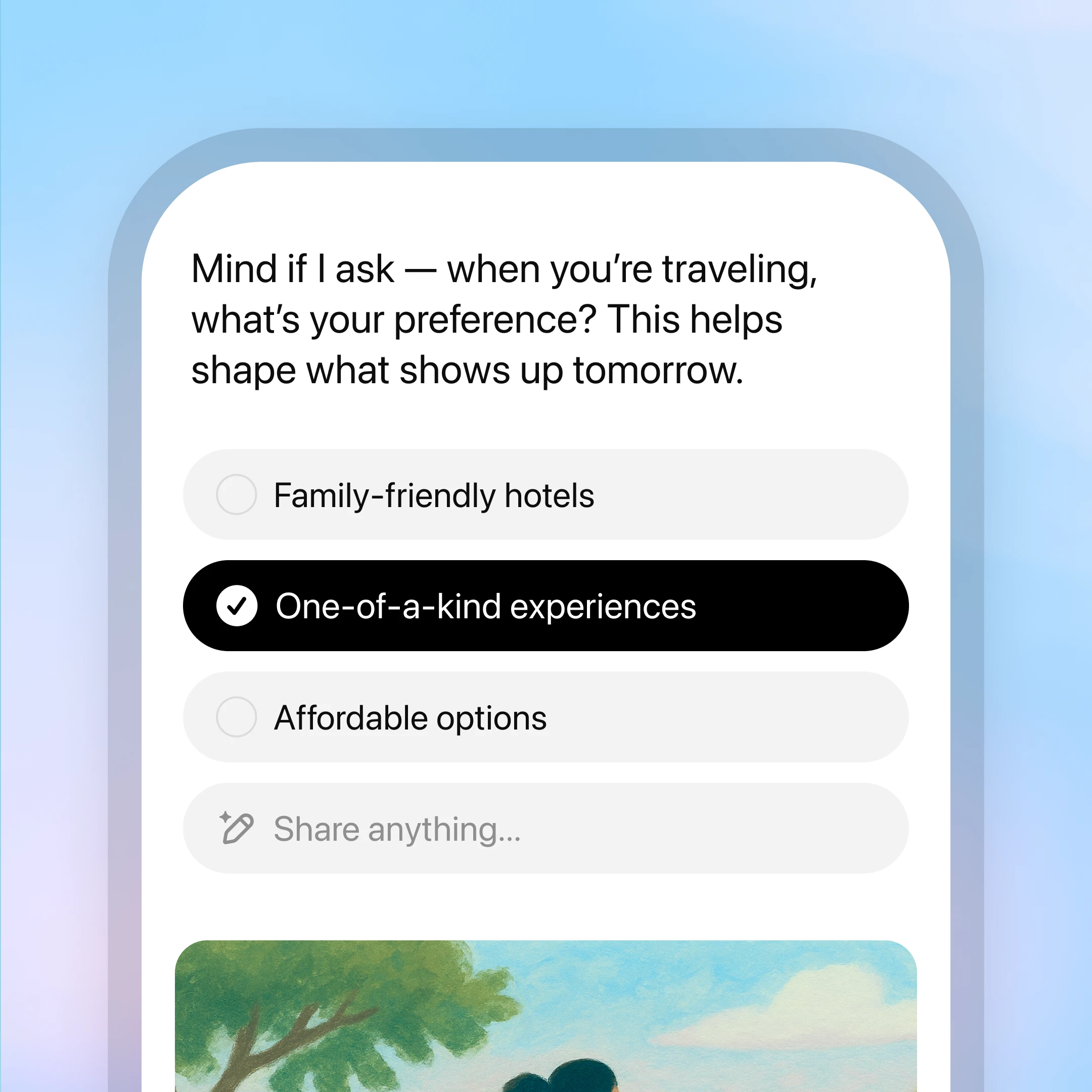
You can ask for what you’d like ChatGPT to research for you each day. Tap "curate" to request what you want to see in future editions—ask for a Friday roundup of local events, tips for learning a new skill, or something specific like "focus on professional tennis updates tomorrow." You can also give quick feedback with a thumbs up or thumbs down, and easily view or delete your feedback history. Over time, your guidance makes Pulse more personal and useful.
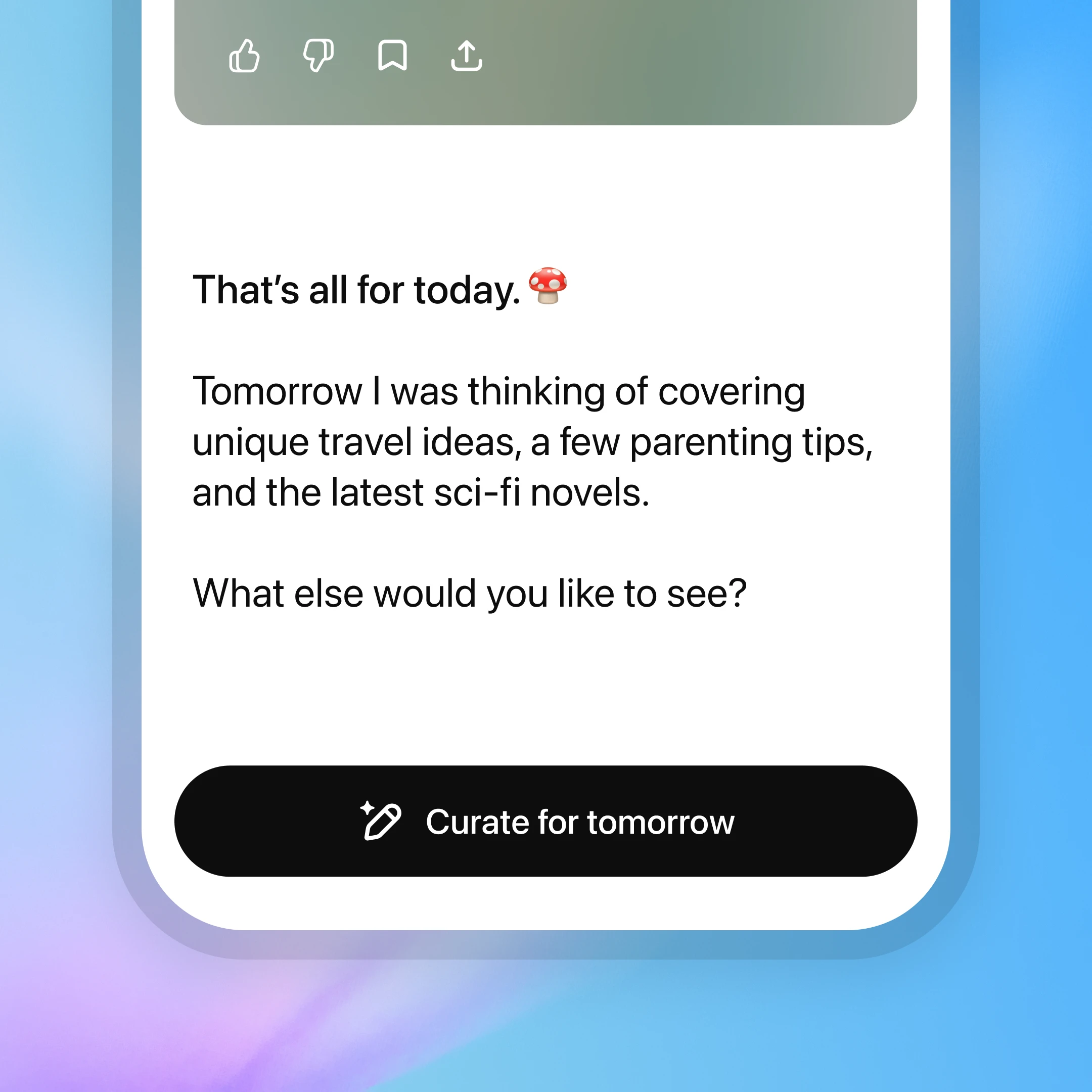
Every morning, ChatGPT delivers a curated set of the most relevant updates, giving you the information you need so you can get back to what matters most. Each update is available for that day only unless you save it as a chat or ask a follow-up question, which adds it to your conversation history. Expand any update to dive deeper, request next steps, or save it for later so you can move forward on goals with clear, timely information.
Insights from the ChatGPT Lab
We partnered with college students in the ChatGPT Lab to gather early feedback and improve Pulse. One insight in particular we had was that many started to feel its utility once they started telling ChatGPT what they wanted to see. That insight underscored the importance of simple feedback, so we added more ways to share reactions and guide what appears. Here are a few of the students’ favorite personalized updates.
Pulse is a preview and won’t always get things right. It aims to show you what’s most relevant and useful but you may still see suggestions that miss the mark. For example, you may get tips for a project you already completed. You can guide what shows up by telling ChatGPT directly. It remembers your feedback for next time and improves as it learns from real use.
Pulse is the first step toward a new paradigm for interacting with AI.
By combining conversation, memory, and connected apps, ChatGPT is moving from answering questions to a proactive assistant that works on your behalf. Over time, we envision AI systems that can research, plan, and take helpful actions for you—based on your direction—so that progress happens even when you are not asking.
Pulse introduces this future in its simplest form: personalized research and timely updates that appear regularly to keep you informed. Soon, Pulse will be able to connect with more of the apps you use so updates capture a more complete picture of your context. We’re also exploring ways for Pulse to deliver relevant work at the right moments throughout the day, whether it’s a quick check before a meeting, a reminder to revisit a draft, or a resource that appears right when you need it.
As we expand to more apps and richer actions, ChatGPT will evolve from something you consult into something that quietly accelerates the work and ideas that matter to you.